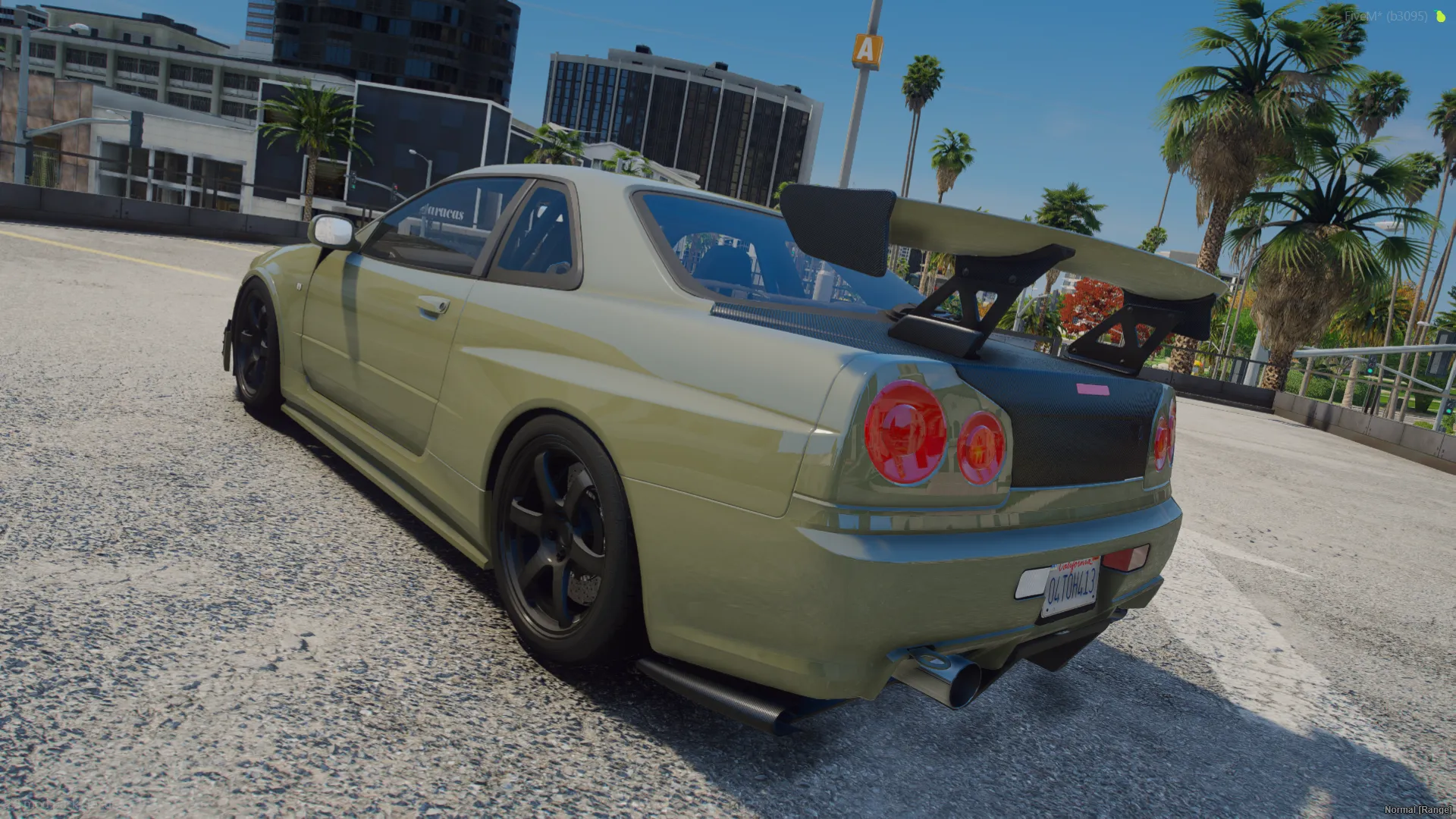
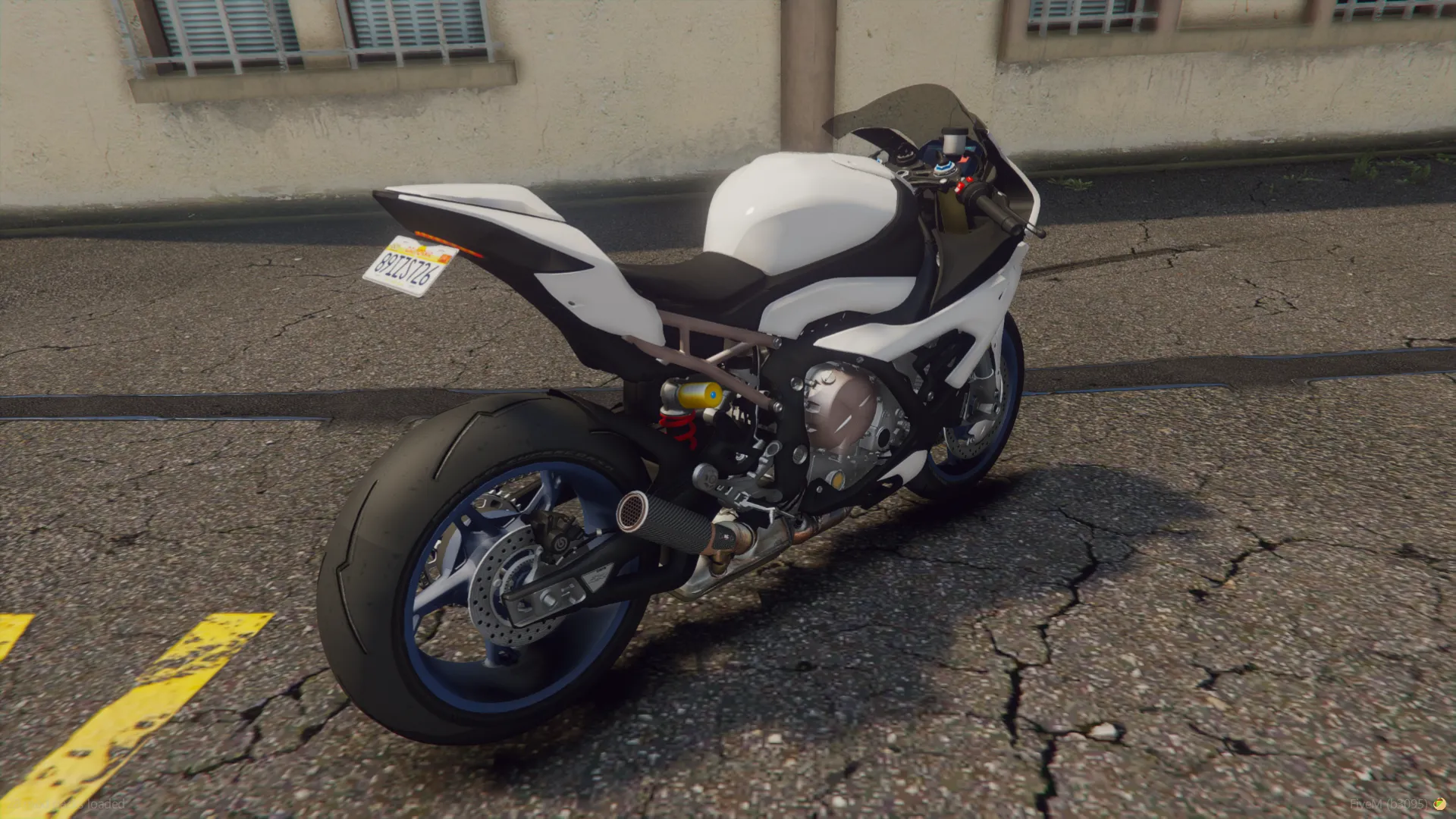
vehicles.meta: GTA 5 & FiveM Archetype Properties, Vehicle Flags, and Streaming Architecture
vehicles.meta is where a car becomes a car. Without an entry here, the engine never mounts your .yft, never allocates collision, and the spawn code returns nothing.
It is also the hub. handling.meta, carvariations.meta, vehiclelayouts.meta and vehicle_names.lua all resolve through bindings declared in this file — modelName, handlingId, layout, gameName. Break one of those strings and the failure surfaces somewhere else entirely.
This guide covers those bindings, the vehicle types and what each one changes at runtime, the flags worth knowing, wheel scale and LOD distances, and the spawn failures they cause when set wrong.
1. The Foundation of Vehicle Streaming: What is vehicles.meta?
In the Rockstar Advanced Game Engine (RAGE) and FiveM, vehicles.meta serves as the primary root manifest and archetype registry for every drivable entity. While handling.meta dictates physics, carcols.meta catalogs modifications and sirens, and carvariations.meta handles spawn variants, vehicles.meta is the core identity file that registers the 3D model into the engine's memory space.
Without an entry in vehicles.meta, the RAGE engine cannot mount .yft and .ytd streaming files, allocate collision bounds, assign wheel scale geometry, manage LOD (Level of Detail) rendering distances, or resolve engine sound hashes.
2. Core XML Architecture (<CVehicleModelInfo__InitDataList>)
The root XML wrapper is <CVehicleModelInfo__InitDataList>, which contains an <InitDatas> array where each vehicle is defined inside an <Item> block:
<CVehicleModelInfo__InitDataList>
  <residentTxd>vehshare</residentTxd>
  <residentAnims/>
  <InitDatas>
    <Item>
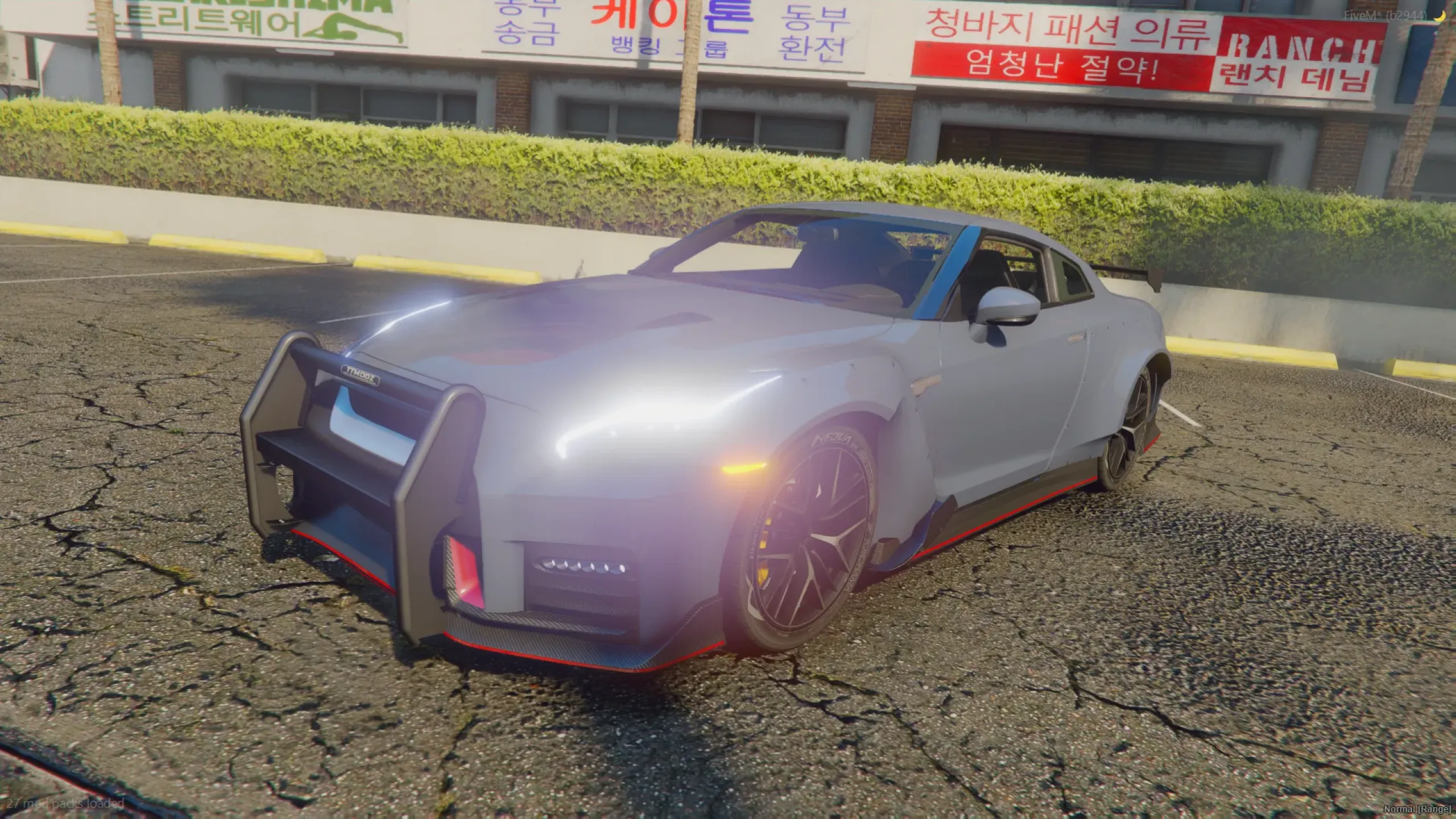
      <modelName>tt_pursuit_gt</modelName>
      <txdName>tt_pursuit_gt</txdName>
      <handlingId>tt_pursuit_gt</handlingId>
      <gameName>TT_PURSUIT_GT</gameName>
      <vehicleMakeName>TTMODZ</vehicleMakeName>
      <expressionName/>
      <expressionDictionaryName/>
      <animConvRoofDictName/>
      <animConvRoofName/>
      <animConvRoofWindowsAffected/>
      <ptfxAssetName/>
      <layout>LAYOUT_LOW_SUPER</layout>
      <coverBoundOffsets>COVERBOUND_SUPER_OFFSETS</coverBoundOffsets>
      <structureFlags>
        <Item>FLAG_STRUCTURE_CAR</Item>
      </structureFlags>
      <flags>
        FLAG_SPORTS
        FLAG_CAN_HAVE_NEONS
        FLAG_HAS_LIVERY
        FLAG_AVERAGE_CAR
      </flags>
      <type>VEHICLE_TYPE_AUTOMOBILE</type>
      <audioHash>vacca</audioHash>
      <dirtExportID value="0"/>
      <firstColor value="0"/>
      <secondColor value="0"/>
      <colorThreshold value="0.000000"/>
      <diffuseTint value="0x00FFFFFF"/>
      <suspensionBoundsOffset x="0.000000" y="0.000000" z="0.000000"/>
      <wheelScale value="0.335000"/>
      <wheelScaleRear value="0.335000"/>
      <wheelWidth value="0.250000"/>
      <wheelWidthRear value="0.320000"/>
      <diffuseTint value="0x00FFFFFF"/>
      <popGroup>POPGROUP_SPORTS</popGroup>
      <rewards/>
      <cinematicCamName>DEFAULT_SCRIPTED_CINEMATIC_CAM</cinematicCamName>
      <CameraName>DEFAULT_FOLLOW_VEHICLE_CAMERA</CameraName>
      <InheritableLodDistance value="500.000000"/>
      <lodDistances content="float_array">
        15.000000
        30.000000
        60.000000
        120.000000
        500.000000
        500.000000
      </lodDistances>
    </Item>
  </InitDatas>
</CVehicleModelInfo__InitDataList>
3. Parameter & Property Breakdown
A. Model Identification & Core References
- modelName: The internal model hash and spawn code. Must match the exact filename of the
.yftfiles (e.g.,tt_pursuit_gt.yft). - txdName: The primary texture dictionary reference matching the base
.ytdfile name. - handlingId: Maps directly to the
<handlingName>string insidehandling.meta. - gameName: The internal GXT entry key resolved by
AddTextEntryinvehicle_names.luafor UI notifications and garage names. - vehicleMakeName: The vehicle brand or manufacturer label (e.g.,
TTMODZ,PEGASSI,VAPID) mapped via text natives. - audioHash: Audio bank identifier dictating engine revs, exhaust pops, transmission whines, and door open/close acoustic sound effects (e.g.,
vacca,adder,sultanrs).
B. Vehicle Types and Classification (<type>)
The <type> tag determines which internal engine subroutines and physics controllers manage the entity:
| Type Identifier | Vehicle Category | Runtime Engine Subroutine |
|---|---|---|
VEHICLE_TYPE_AUTOMOBILE | Cars, Trucks, SUVs | Standard 4-wheel automotive physics with steering kinematics. |
VEHICLE_TYPE_BIKE | Motorcycles | 2-wheel leaning physics with rider balance constraints. |
VEHICLE_TYPE_BICYCLE | Bicycles | Pedal physics with human kinetic motion controllers. |
VEHICLE_TYPE_BOAT | Boats, Jet Skis | Hydrodynamic water displacement and buoyancy solvers. |
VEHICLE_TYPE_HELI | Helicopters | Rotor aerodynamics, downwash, and collective pitch. |
VEHICLE_TYPE_PLANE | Airplanes, Fighter Jets | Fixed-wing lift equations, stall mechanics, and rudder controls. |
VEHICLE_TYPE_TRAIN | Trains, Trams | Spline-locked track movement controllers. |
VEHICLE_TYPE_TRAILER | Trailers | Articulated hitch joint and towing physics. |
C. Critical Vehicle Flags (<flags>)
Flags configure runtime attributes and hardware capabilities. Common and high-impact flags include:
FLAG_SPORTS/FLAG_SUPER: Categorizes vehicle class for AI routing and native evaluations.FLAG_HAS_LIVERY: Enables native multi-livery texture swapping from the.ytd.FLAG_CAN_HAVE_NEONS: Enables underglow neon light compatibility.FLAG_EMERGENCY_SERVICE: Required for police, ambulance, and fire models to unlock siren lighting and emergency AI responses.FLAG_EXTRAS_REQUIRE: Automatically forces extras to spawn based on carvariations configuration.FLAG_CAN_NAVIGATE_WATER: Used on amphibious vehicles to prevent water-induced engine stall.FLAG_NO_BOOT/FLAG_NO_DOORS: Disables trunk or door interactions for open-cockpit or utility vehicles.
D. Dimensional Geometry: Wheel Scale & LOD Distances
- wheelScale / wheelScaleRear: The bounding radius multiplier for front and rear wheels. Setting accurate values ensures custom aftermarket wheels from Los Santos Customs match the original tire diameter perfectly.
- wheelWidth / wheelWidthRear: Determines physical tire contact track width and wheel lip offset.
- lodDistances: Six sequential threshold distances (in game meters) governing Level of Detail model mesh switching (
LOD0high-poly mesh down toLOD4low-poly distant proxies).
4. Metadata Dependency & Linking Matrix
| vehicles.meta Tag | Associated File | Linked XML Tag | Functional Purpose |
|---|---|---|---|
<modelName> |
carvariations.meta |
<modelName> |
Binds spawn color indices and variation data to this archetype. |
<handlingId> |
handling.meta |
<handlingName> |
Assigns physics dynamics, drivetrain, and suspension data. |
<layout> |
vehiclelayouts.meta |
<Name> |
Assigns ped seating positions, IK bones, and door animations. |
<gameName> |
vehicle_names.lua |
AddTextEntry('KEY', 'Name') |
Provides localized UI vehicle display text. |
5. Resource Manifest Setup (fxmanifest.lua)
To mount vehicles.meta inside a FiveM resource stream folder, configure your fxmanifest.lua as follows:
fx_version 'cerulean'
game 'gta5'

files {
    'carcols.meta',
    'carvariations.meta',
    'handling.meta',
    'vehicles.meta',
    'vehiclelayouts.meta'
}

data_file 'CARCOLS_FILE' 'carcols.meta'
data_file 'VEHICLE_VARIATION_FILE' 'carvariations.meta'
data_file 'HANDLING_FILE' 'handling.meta'
data_file 'VEHICLE_METADATA_FILE' 'vehicles.meta'
data_file 'VEHICLE_LAYOUTS_FILE' 'vehiclelayouts.meta'

client_script 'vehicle_names.lua'
6. Troubleshooting & Common Configuration Issues
- Vehicle Spawns Invisible or Disappears at Distance: The
lodDistancesvalues are misconfigured or.yftmodels lack proper LOD hierarchy. Set baseline lodDistances:15.0 / 30.0 / 60.0 / 120.0 / 500.0 / 500.0. - Aftermarket Tuning Wheels Clip or Shrink: The
wheelScaleparameter is improperly scaled. Re-measure your 3D tire mesh radius in Blender or ZModeler and updatewheelScale. - No Engine Sound: The
<audioHash>is invalid, misspelled, or left empty. Use standard base game sound hashes such astailgater,sultan, orelegy2. - Sirens Don't Activate on Emergency Cars: Missing
FLAG_EMERGENCY_SERVICEinside the<flags>block will prevent emergency lighting scripts and native siren toggles from functioning.
SUPPORT & COMMUNITY CONTACT
Find more custom FiveM cars, peds, clothing packs, and maps at TTModz.
Add taxis and medical response with the FiveM city fleet pack, or browse all lore-friendly FiveM cars.
Discord