vehiclelayouts.meta: GTA 5 & FiveM Seating, Ped IK Bones, and Entry Animation Architecture
The car looks right, drives right, and then the ped climbs in through the roof. Or stands beside the door for a second before teleporting into the seat. Or drives with both hands hovering above the wheel.
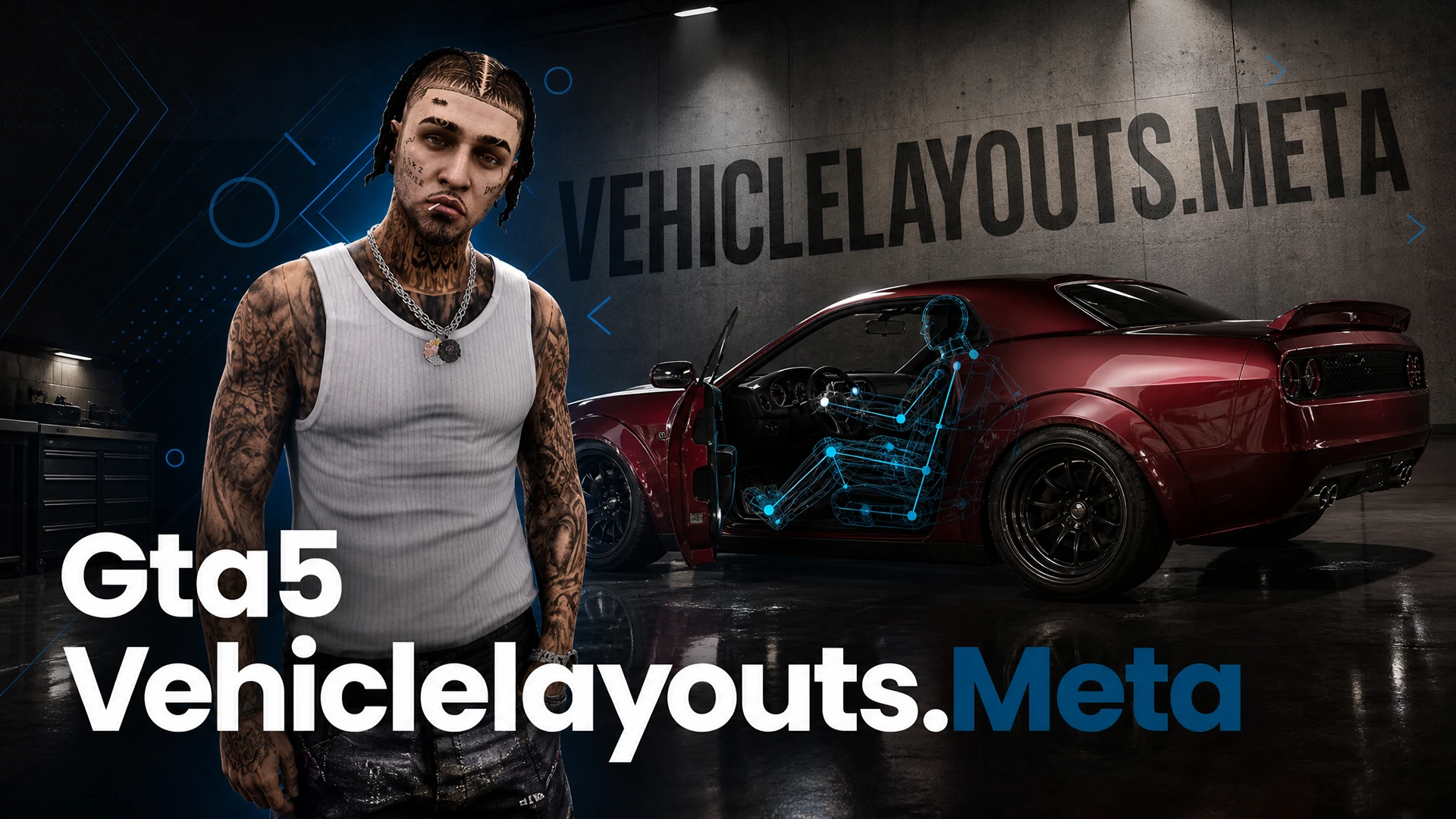
None of that is a model problem. vehiclelayouts.meta is what maps a character onto a vehicle — which bone is the seat, which door index belongs to which entry point, and where the hands and feet are pinned once seated.
This guide covers seat and door bindings, the IK targets for wheel and pedals, the stock LAYOUT_ profiles worth inheriting instead of writing your own, and the fixes for the three entry bugs that show up most.
1. The Architectural Role of vehiclelayouts.meta
In Grand Theft Auto V and the FiveM framework, vehiclelayouts.meta is the master configuration file governing human-machine physical interfaces. While vehicles.meta establishes general seating counts and archetype flags, and handling.meta handles chassis dynamics, vehiclelayouts.meta maps how ped models (characters) physically enter, sit within, transition across, aim from, and exit vehicles.
This file controls door interaction arcs, inverse kinematics (IK) bone attachments (hands on steering wheels, feet on pedals, hands on grab rails), seat transition routes, drive-by aiming boundaries, and heavy turret seat positions.
2. Core XML Architecture (<CVehicleMetadataMgr>)
The root container is <CVehicleMetadataMgr>, which houses the <VehicleLayouts> array containing individual <Item type="CVehicleLayoutMetadata"> configurations:
<CVehicleMetadataMgr>
  <VehicleLayouts>
    <Item type="CVehicleLayoutMetadata">
      <Name>LAYOUT_TT_CUSTOM_SUPER</Name>
      <SeatConfigurations>
        <Item>
          <Name>SEAT_DRIVER</Name>
          <SeatBoneName>seat_dside_f</SeatBoneName>
          <EntryPoints>
            <Item>
              <EntryPointBoneName>door_dside_f</EntryPointBoneName>
              <DoorIndex value="0"/>
              <ActionFlags>VF_DRIVER_SEAT</ActionFlags>
            </Item>
          </EntryPoints>
          <IKSettings>
            <Item>
              <TargetBoneName>BONETAG_L_HAND</TargetBoneName>
              <WorldBoneName>steeringwheel</WorldBoneName>
              <IKType>IK_STEERING_WHEEL_LEFT</IKType>
            </Item>
            <Item>
              <TargetBoneName>BONETAG_R_HAND</TargetBoneName>
              <WorldBoneName>steeringwheel</WorldBoneName>
              <IKType>IK_STEERING_WHEEL_RIGHT</IKType>
            </Item>
            <Item>
              <TargetBoneName>BONETAG_R_FOOT</TargetBoneName>
              <WorldBoneName>pedal_gas</WorldBoneName>
              <IKType>IK_PEDAL_GAS</IKType>
            </Item>
            <Item>
              <TargetBoneName>BONETAG_L_FOOT</TargetBoneName>
              <WorldBoneName>seat_dside_f</WorldBoneName>
              <IKType>IK_FOOT_REST</IKType>
            </Item>
          </IKSettings>
          <AnimationEnums>
            <Item>VEH_ENTER_LOW_SPORTS</Item>
            <Item>VEH_EXIT_LOW_SPORTS</Item>
            <Item>VEH_SIT_LOW_SPORTS</Item>
          </AnimationEnums>
        </Item>
      </SeatConfigurations>
    </Item>
  </VehicleLayouts>
</CVehicleMetadataMgr>
3. Structural Node & Parameter Breakdown
A. Seat Hierarchy and Physical 3D Dummy Bindings
Each seat configuration links an abstract seating position directly to a structural bone/dummy located inside the vehicle’s .yft 3D model:
- SEAT_DRIVER: Binds to dummy
seat_dside_f(Front Driver Side). - SEAT_PASSENGER: Binds to dummy
seat_pside_f(Front Passenger Side). - SEAT_REAR_LEFT / REAR_RIGHT: Binds to
seat_dside_randseat_pside_r(Rear Passenger Seats). - External / Hanging Steps: Used on tactical emergency SUVs and garbage trucks, binding to dummies such as
step_leftorstep_rightfor hanging peds.
B. Door Indices and Entry Point Mapping
| Door Index | Associated 3D Dummy Node | Standard Architectural Usage |
|---|---|---|
| 0 | door_dside_f | Front Left (Driver) Door |
| 1 | door_pside_f | Front Right (Passenger) Door |
| 2 | door_dside_r | Rear Left Passenger Door |
| 3 | door_pside_r | Rear Right Passenger Door |
| 4 | bonnet | Front Engine Hood / Bonnet |
| 5 | boot | Rear Trunk Lid / Tailgate / Rear Cargo Doors |
C. Inverse Kinematics (IK) Target Constraints
Inverse Kinematics ensure that the character's limbs adhere strictly to physical moving parts inside the vehicle rather than clipping through them:
- BONETAG_L_HAND & BONETAG_R_HAND: Anchors ped hands to the
steeringwheelbone. As the steering wheel rotates according to handling inputs, the ped’s arms naturally track the rotational vector. - BONETAG_R_FOOT: Pins the right foot to the throttle or floorboard plane.
- BONETAG_L_FOOT: Pins the left foot to the footrest or clutch rest position.
- Motorcycle IK Bindings: Directs hand grips to
handlebar_landhandlebar_r, and feet to lower foot pegs (footpeg_l,footpeg_r).
4. Common Standard RAGE Layout Profiles
Instead of writing full layout blocks from scratch for standard vehicles, developers typically inherit or reference Rockstar's pre-compiled base layouts inside vehicles.meta <layout>:
| Layout Identifier | Intended Vehicle Category | Entry & Seating Behavior |
|---|---|---|
LAYOUT_LOW_SUPER |
Supercars, Hypercars | Low ride height, reclining seated stance, ducked-head entry animation. |
LAYOUT_STANDARD |
Sedans, Coupes, Compacts | Standard upright posture, standard 90-degree door swing entry. |
LAYOUT_SUV |
SUVs, Light Pickups | Elevated hip-point, upward stepping entry movement. |
LAYOUT_VAN |
Vans, Delivery Trucks | High vertical climb, upright bus/van steering posture. |
LAYOUT_BIKE_SPORT |
Sportbikes, Superbikes | Forward-leaning aggressive rider crouch, knee grip against tank. |
LAYOUT_BIKE_CHOPPER |
Cruisers, Choppers | Feet forward, extended arms, relaxed upright spine. |
LAYOUT_HELI_STANDARD |
Civilian / Tactical Helicopters | Flight stick hand IK, dual cockpit seat navigation. |
LAYOUT_POLICE_TACTICAL |
Armored Emergency Vehicles | Supports side-step hanging peds firing two-handed weapons. |
5. Metadata Integration: Linking Layouts to Vehicles
To activate a custom or stock layout profile, assign its exact identifier inside vehicles.meta:
| vehiclelayouts.meta Node | Target File | Target XML Node | Technical Function |
|---|---|---|---|
<Name>LAYOUT_TT_CUSTOM_SUPER</Name> |
vehicles.meta |
<layout>LAYOUT_TT_CUSTOM_SUPER</layout> |
Applies physical seating and door animation logic to the vehicle. |
6. Resource Manifest Configuration (fxmanifest.lua)
When shipping custom vehiclelayouts.meta files in a FiveM vehicle resource pack, define the file correctly under the VEHICLE_LAYOUTS_FILE data type:
fx_version 'cerulean'
game 'gta5'

files {
    'carcols.meta',
    'carvariations.meta',
    'handling.meta',
    'vehicles.meta',
    'vehiclelayouts.meta'
}

data_file 'CARCOLS_FILE' 'carcols.meta'
data_file 'VEHICLE_VARIATION_FILE' 'carvariations.meta'
data_file 'HANDLING_FILE' 'handling.meta'
data_file 'VEHICLE_METADATA_FILE' 'vehicles.meta'
data_file 'VEHICLE_LAYOUTS_FILE' 'vehiclelayouts.meta'

client_script 'vehicle_names.lua'
7. Developer Troubleshooting & Animation Fixes
- Ped Clips Through the Roof on Entry: The assigned
<layout>has a higher hip entry trajectory than the 3D model roofline. Switch to a lower profile layout (e.g.,LAYOUT_LOW_SUPER) or adjust the 3D dummy position ofseat_dside_fdownward in Blender/ZModeler. - Hands Floating Above or Inside the Steering Wheel: The
steeringwheel3D bone pivot is misaligned or missing in the.yftmodel hierarchy, causing the IK constraint to snap to the model origin (0,0,0). - Character Walks Into the Side of the Car Before Entering: The
door_dside_fdummy or door entry marker is placed too far inboard. Adjust the entry collision point outward along the X-axis. - Ped Teleports Into Seat Instantly: The animation set specified in the layout is incompatible with the vehicle class, or the door dummy index is missing from the 3D hierarchy.
SUPPORT & COMMUNITY CONTACT
Find more custom FiveM cars, peds, clothing packs, and maps at TTModz.
Add taxis and medical response with the FiveM city fleet pack, or browse all lore-friendly FiveM cars.
Discord